Writing
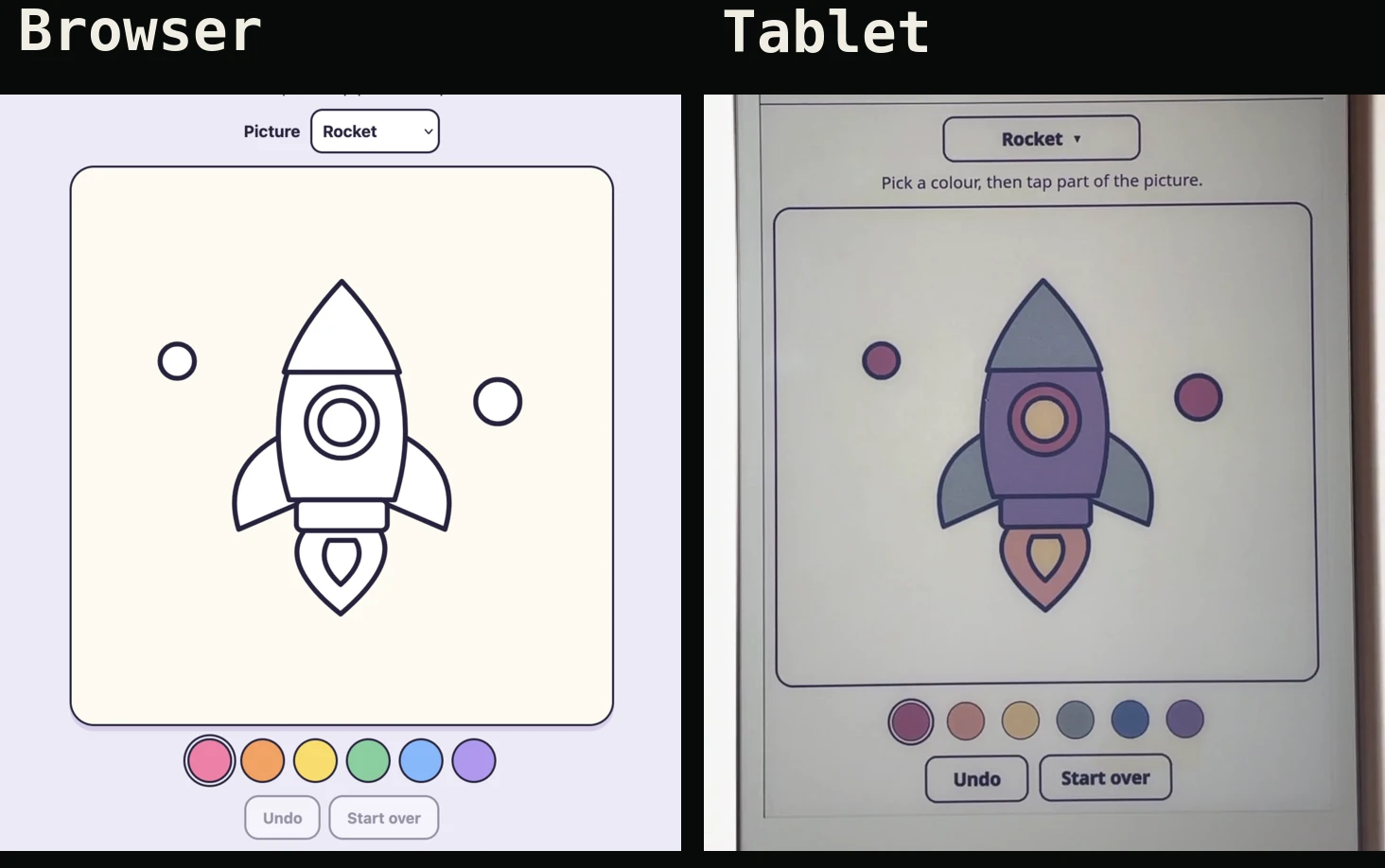
The rocket on my reMarkable started in a browser tab
I was happy with the little HTML colouring book. Then I picked up my reMarkable and wondered if I could play it there too.
On this page
From idea
The colouring book started with a question I asked AI.
how does a childrens colouring game work on an iphone?
A little further into the conversation, I asked another.
Want to make me a html protoype?
A few tweaks later, the colouring book was ready to play.
A humble web page
Pick a colour, tap a butterfly wing or the little window on the rocket, and it fills in.
Play the colouring book in your browser.
On the reMarkable?!!
The request
A little colouring app
New experience. Please port ./butterfly-colouring.html.
The build
The rocket kept its original outlines. Codex copied the shapes from the SVG into JavaScript and used them to draw the picture on a canvas in my tablet app. The bit that changed was how a tap finds its target. In the browser, tapping the glass tells the game exactly which shape you touched. On the tablet, the game gets a position and works backwards through the shapes until it finds the one under your finger.
Codex had both ends of the job in front of it. The browser page showed how the colouring book behaved. My tablet app already knew how to handle a tap, open a screen from the menu and build for the device. I could point at those two things and leave most of the translation to Codex.
The first launch
The desktop tests passed. On the Pro, the app closed before I could colour anything. The tablet’s version of Qt was missing an accessibility feature the new screen used. Codex read the error from the plugged-in tablet, removed that dependency and built it again, without input from me.
What if…
I started out asking how a colouring game works on an iPhone. Now I can colour in that rocket on my reMarkable.
Maybe you’ve already got a few word searches or crosswords on your reMarkable as PDFs. Imagine doing the word search over coffee. You pick up a pen, draw a line through a word and the letters light up.
Have a look at your browser tabs. Is there a game you keep coming back to, or a little tool you built for yourself? Which one would you bring to your reMarkable?
Reference
Writing a Qt Quick Graphical Application for reMarkable Paper Tablets and add a healthy dose of AI.